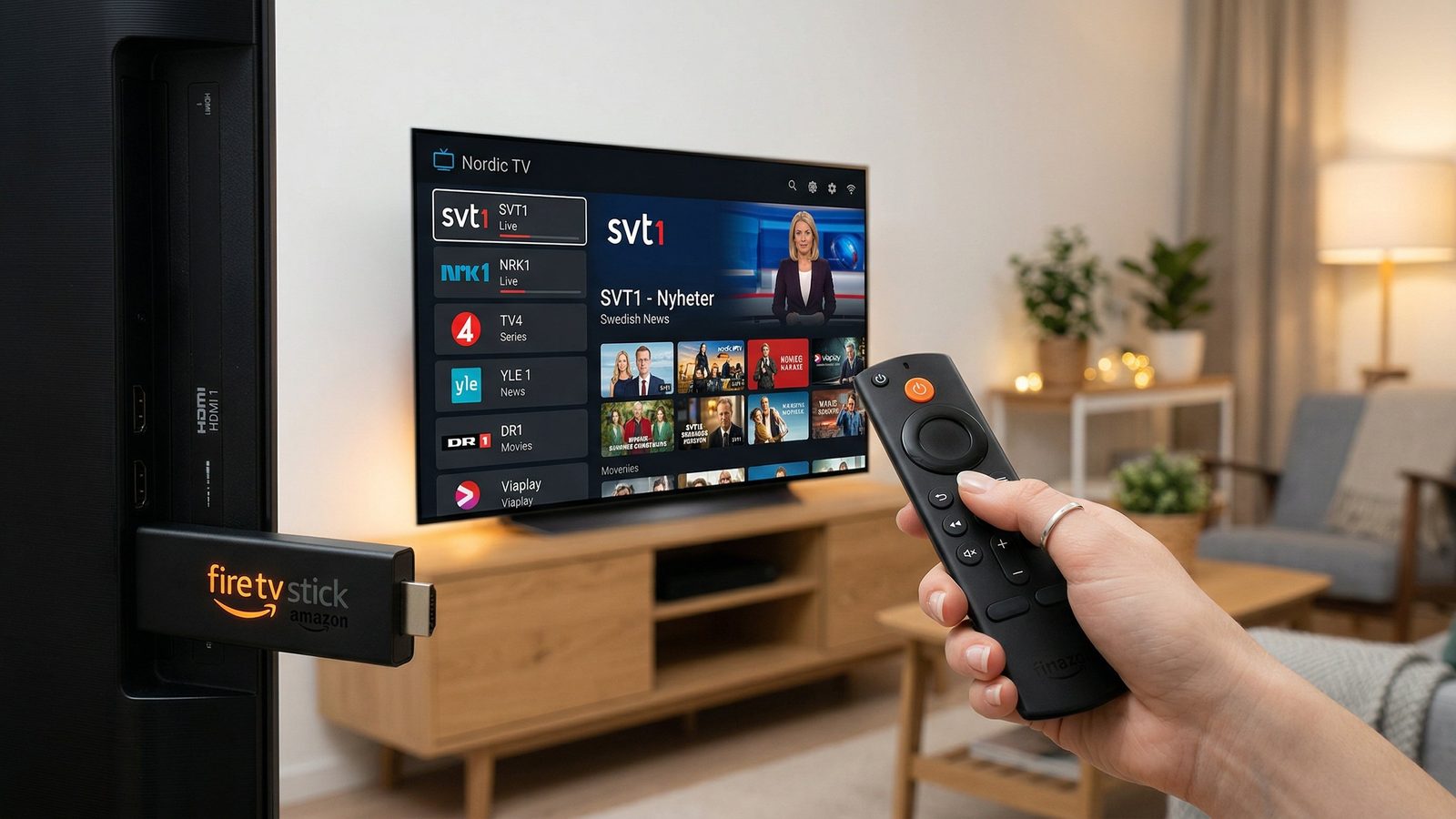
What You Need Before You Start
- An Amazon Fire TV Stick (any model — Lite, 4K, 4K Max, or 4K Plus)
- Your IPTV credentials (M3U URL or Xtream Codes login from your provider)
- A stable Wi-Fi connection (minimum 10 Mbps for HD, 25 Mbps for 4K)
Step 1: Enable Apps from Unknown Sources
Go to Settings → My Fire TV → Developer Options → Apps from Unknown Sources → Turn ON. This allows you to install IPTV players not available in the Amazon App Store.
Step 2: Install an IPTV Player
The best IPTV players for Fire TV Stick are IPTV Smarters Pro and TiviMate. Both support Xtream Codes and M3U. To install: go to the Fire TV search bar, type “Downloader”, install the free Downloader app, then use it to download your preferred IPTV player APK.
Step 3: Enter Your IPTV Credentials
Open your IPTV player and select “Add Playlist” or “Add Provider”. Enter the server URL, username, and password provided by Nordic IPTV Elite. The app will load your full channel list within 30–60 seconds.
Step 4: Browse Channels and Enjoy
Once loaded, navigate to Live TV to find all your Nordic channels (SVT, NRK, DR, Yle) and international content. For the best experience, enable hardware acceleration in your player settings and use a wired Ethernet adapter if possible.
Troubleshooting Common Issues
- Buffering: Lower your stream quality from 4K to HD, or restart your router
- Channels not loading: Check your credentials and that your subscription is active
- App crashes: Clear the app cache in Settings → Applications
Related Guides
Frequently Asked Questions
Which IPTV player is best for Fire TV Stick?
TiviMate and IPTV Smarters Pro are the top choices. TiviMate offers the best interface for Live TV with EPG guide, while IPTV Smarters Pro is free and supports both M3U and Xtream Codes.
Do I need to jailbreak my Fire TV Stick to install IPTV?
No jailbreak is needed. You only need to enable 'Apps from Unknown Sources' in Developer Options — a standard setting that Amazon provides for sideloading apps.
Why is my IPTV buffering on Fire TV Stick?
Buffering is usually caused by slow Wi-Fi, a full app cache, or server load. Switch to 5 GHz Wi-Fi or a wired Ethernet adapter, clear the app cache in Settings → Applications, and lower the stream quality from 4K to HD.
Ready to Experience Premium Nordic IPTV?
Try all 100,000+ channels free for 24 hours — no credit card required.
Get Free 24h Trial