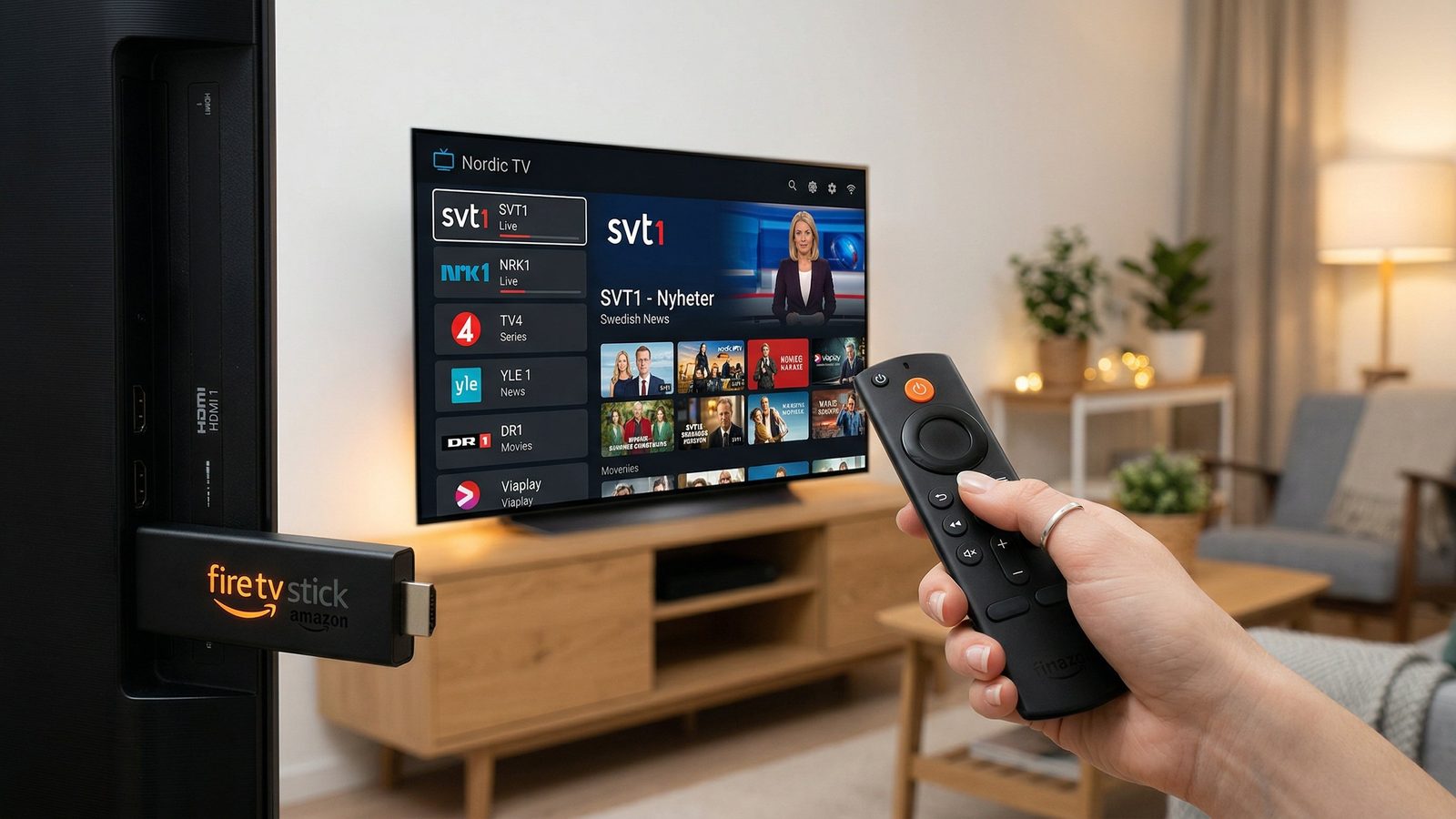
Nordic IPTV Installation Guide for Every Device
Step-by-step instructions for all devices. Setup in under 10 minutes.
🚀 Quick Start (3 Steps)
Check Your Email
After purchase, you'll receive login credentials within 5 minutes
Choose Your Device
Select your device from the guides below and follow instructions
Start Watching
Enter your credentials and enjoy 100,000+ channels instantly
Choose Your Device
Amazon Fire TV Stick
Installation Steps:
- On Fire TV home screen, go to "Find" > "Search"
- Search for "Downloader" app and install it
- Open Downloader app and enter the IPTV app URL we provided
- Install the downloaded APK file
- Open the IPTV app and enter your credentials
- Done! Start watching
Smart TV (Samsung/LG/Sony)
Installation Steps:
- Download IPTV app from your TV app store (Smart IPTV or similar)
- Open the app after installation
- Note your device MAC address shown on screen
- Send us your MAC address to activate
- Restart the app after activation
- Start enjoying your channels
Android TV Box
Installation Steps:
- Go to Google Play Store on your Android Box
- Search for "IPTV Smarters" or recommended app
- Install and open the app
- Select "Login with Xtream Codes API"
- Enter username, password, and server URL from your email
- Done! Browse and watch
iOS (iPhone/iPad)
Installation Steps:
- Open App Store on your iOS device
- Search for "GSE Smart IPTV" and install
- Open the app
- Tap "+" to add new playlist
- Enter your M3U URL or Xtream Codes details
- Start watching on your iOS device
MAG Box
Installation Steps:
- Power on your MAG box and go to Settings
- Navigate to System Settings > Servers
- Select "Portal 1" or "Portal 2"
- Enter the portal URL we provided in your email
- Save and restart your MAG box
- Portal will load automatically with all channels
PC/Mac/Laptop
Installation Steps:
- Download VLC Media Player from videolan.org
- Install and open VLC
- Click Media > Open Network Stream
- Paste your M3U playlist URL
- Click Play
- All channels will be loaded in VLC
📧 Your Login Credentials
After purchasing, check your email for these details:
- Username: Your unique IPTV username
- Password: Your secure password
- Server URL: Connection server address
- M3U URL: Direct playlist link (optional)
Can't find your credentials? Check spam folder or contact support.
Troubleshooting
App won't load or crashes
Clear app cache, restart device, ensure stable internet connection (10+ Mbps). If issue persists, try reinstalling the app.
Channels buffering or freezing
Check your internet speed (use speedtest.net). Minimum 10 Mbps for HD, 25 Mbps for 4K. Close other apps using bandwidth. Try different server if available.
Login credentials not working
Double-check username/password (case-sensitive). Ensure you're using correct server URL. Wait 10 minutes if just purchased. Contact support if still not working.
No channels showing up
Verify playlist URL is correct. Check internet connection. Some apps need 24-48 hours for activation. Clear app cache and reload playlist.
Video quality is poor
Check internet speed. Select HD or 4K quality in app settings if available. Move closer to router or use ethernet cable instead of WiFi.
Audio out of sync with video
Restart the app and channel. Check device audio settings. Try different player app. This is often device-specific - update your device firmware.
Need Help with Installation?
Our support team is available 24/7 to help you set up your device